Proctoring System for Moodle™
Fully integrated exam proctoring for Moodle — pre-exam room scan with AI object detection, periodic webcam screenshots, screen sharing, risk scoring, and detailed admin reports.

Screenshots
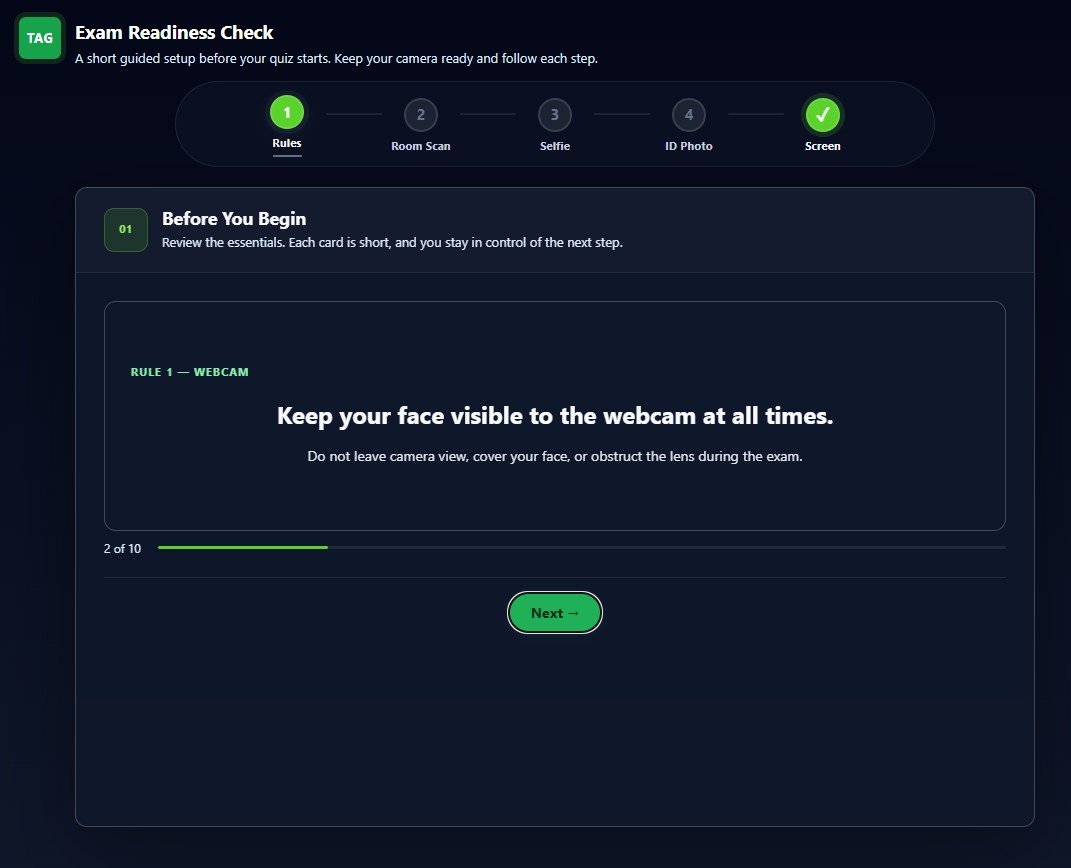
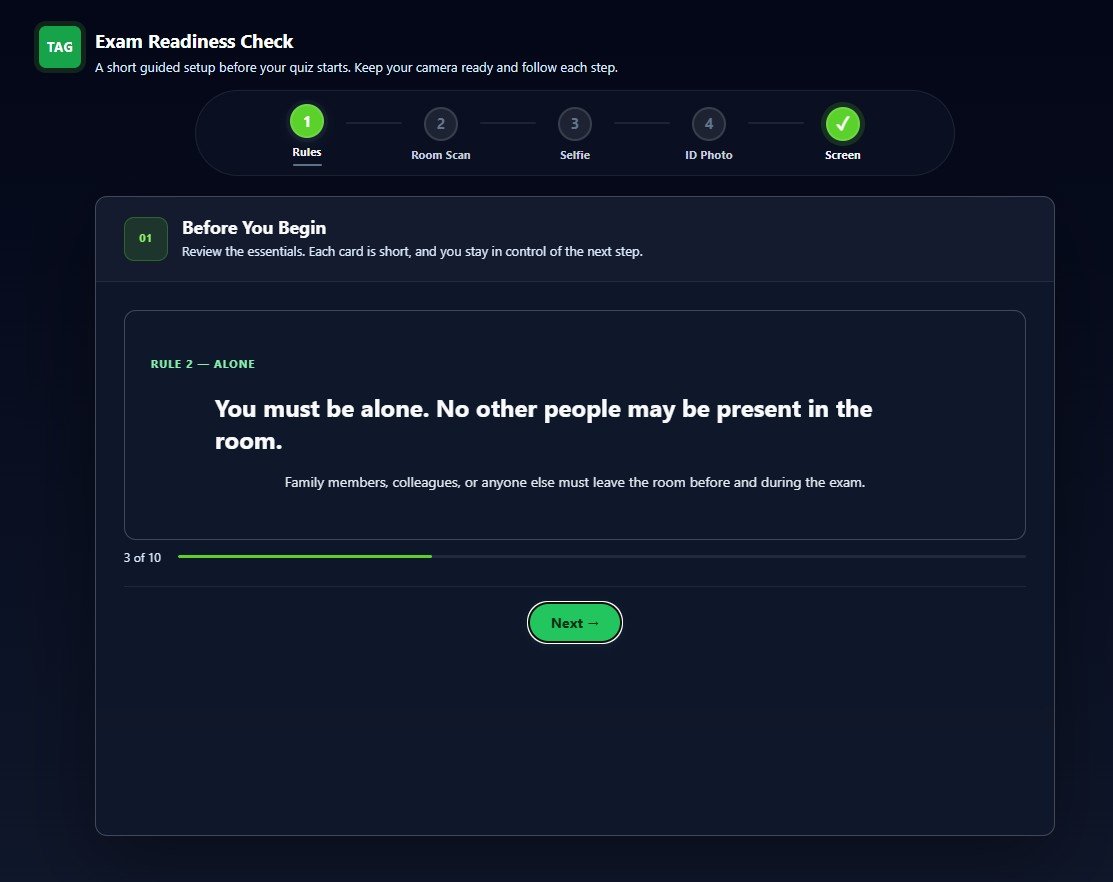
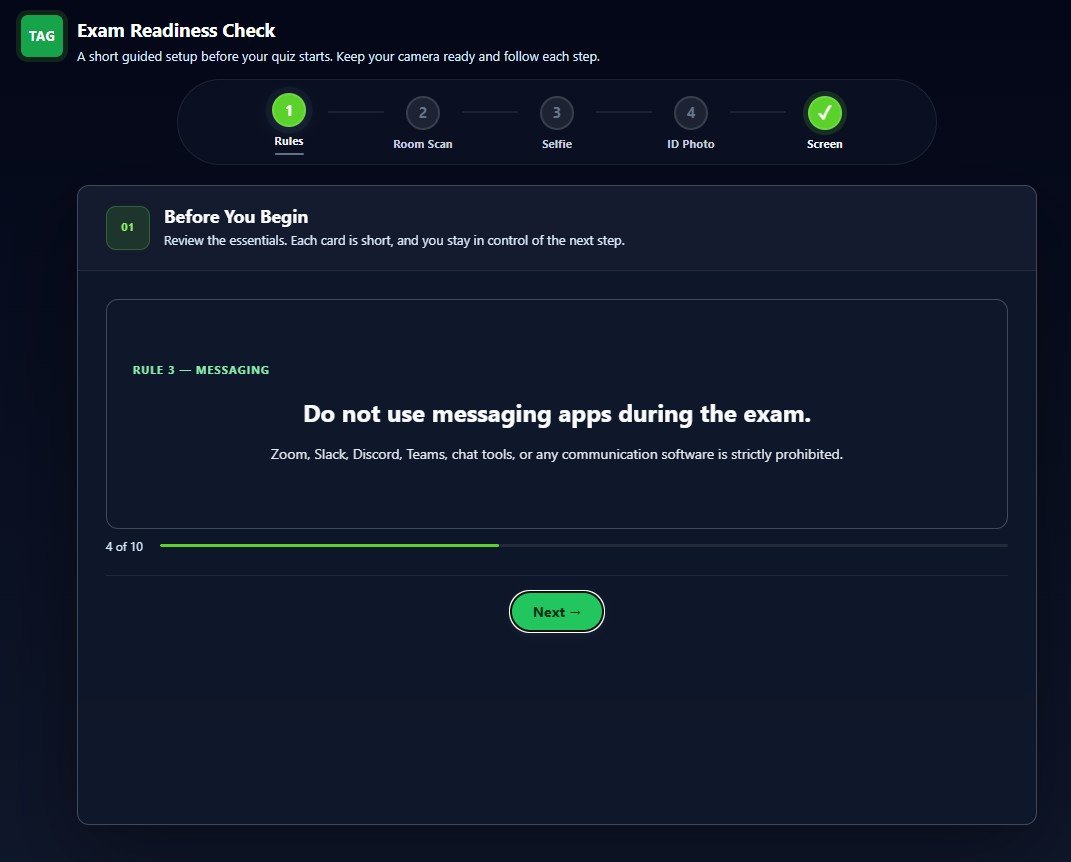
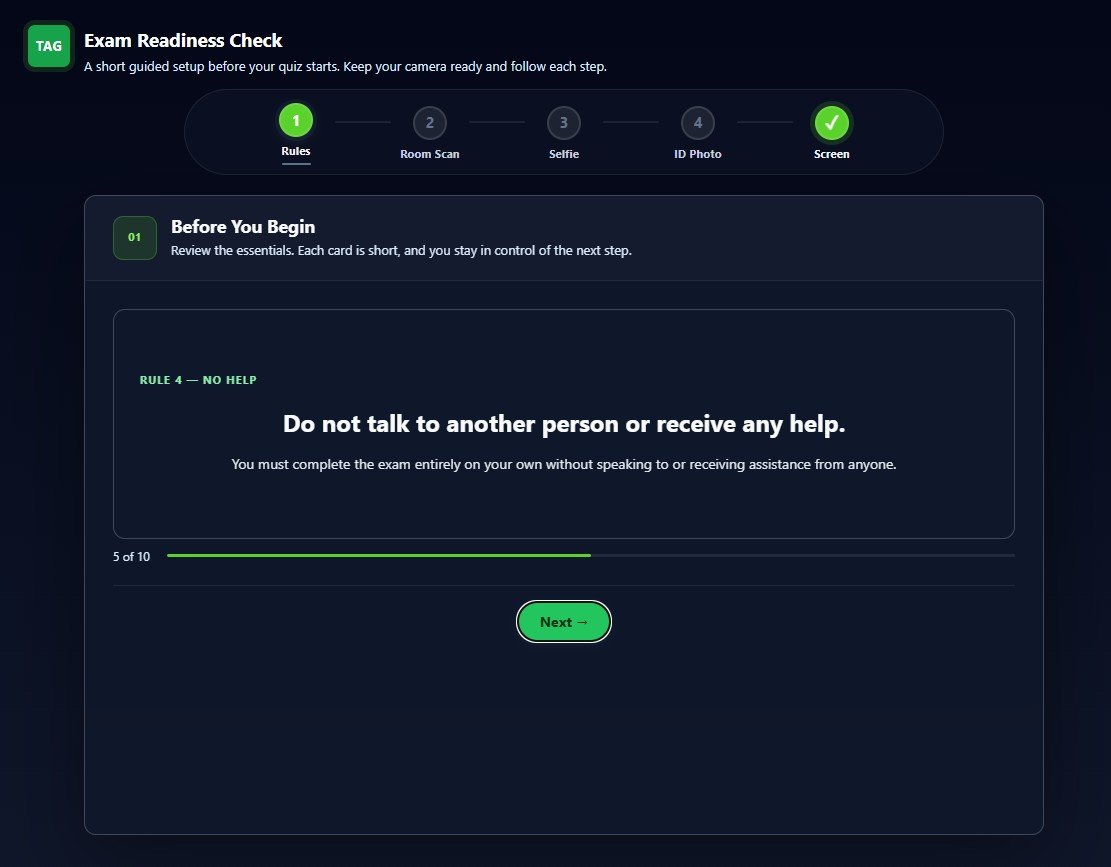
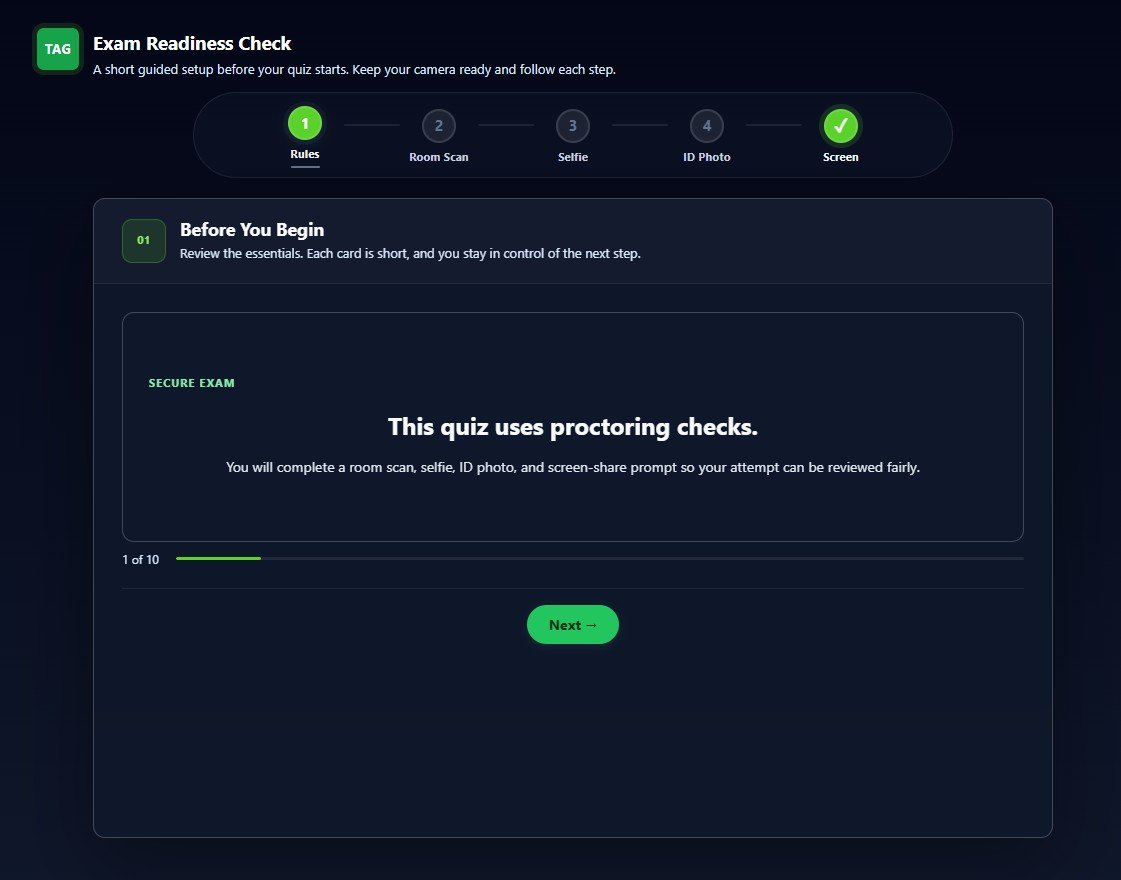
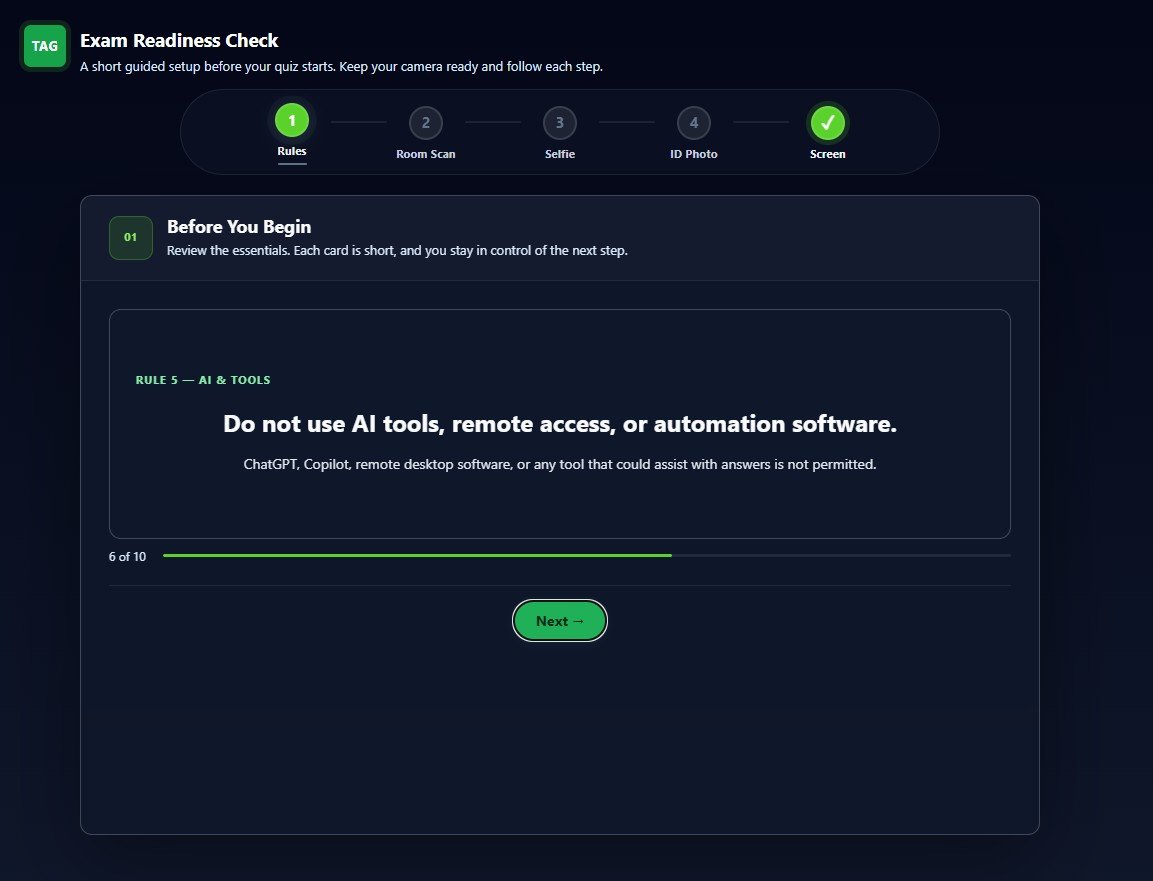
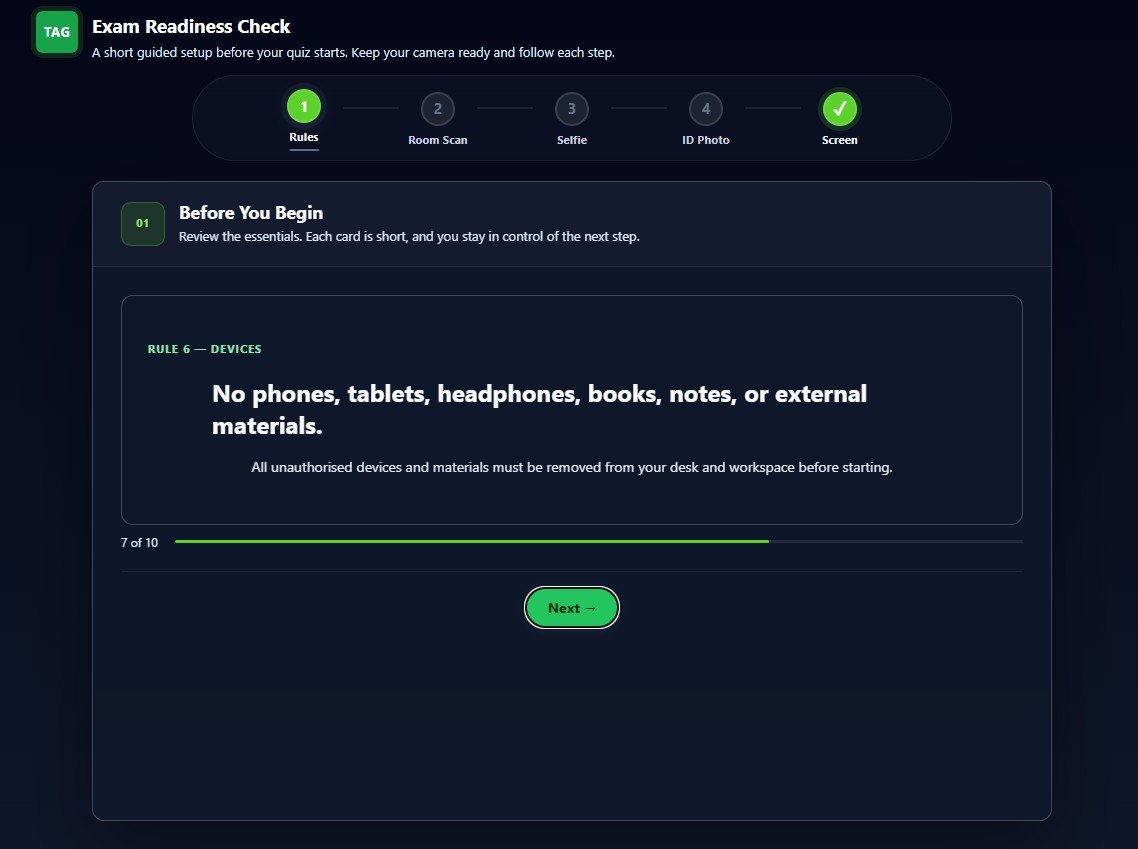
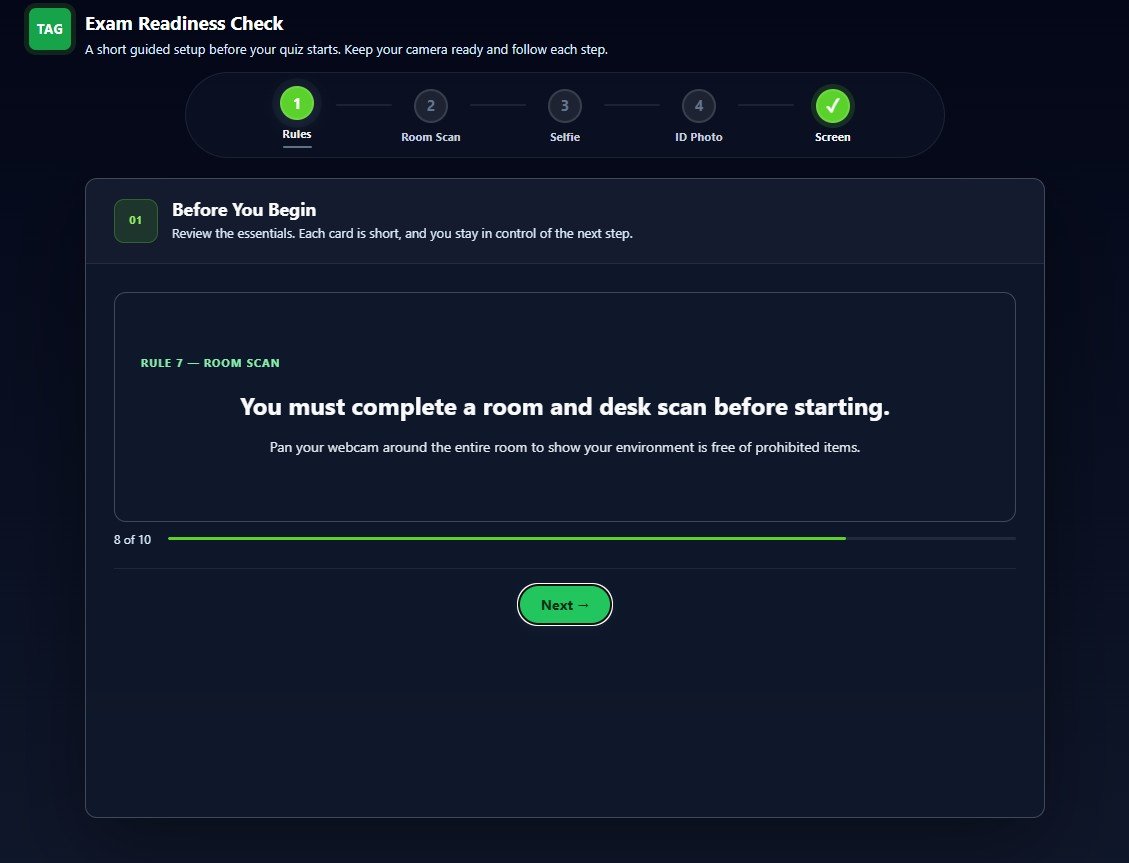
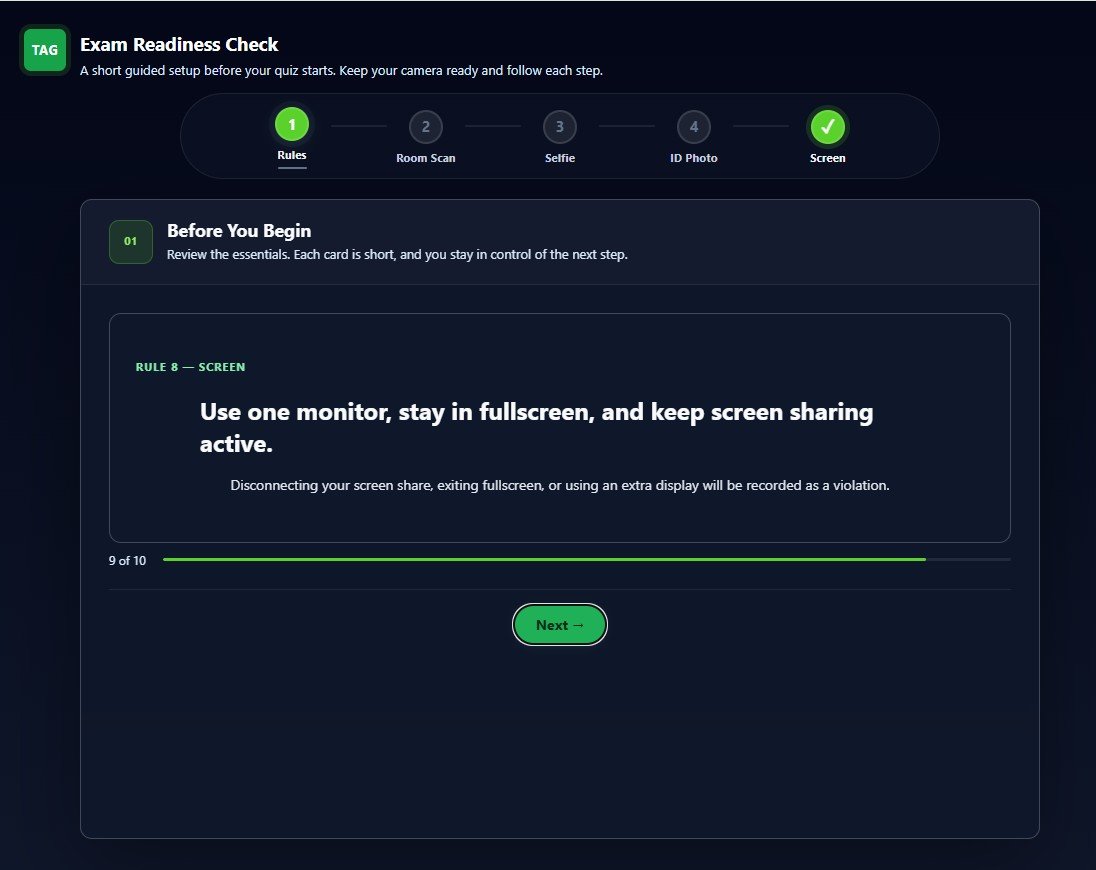
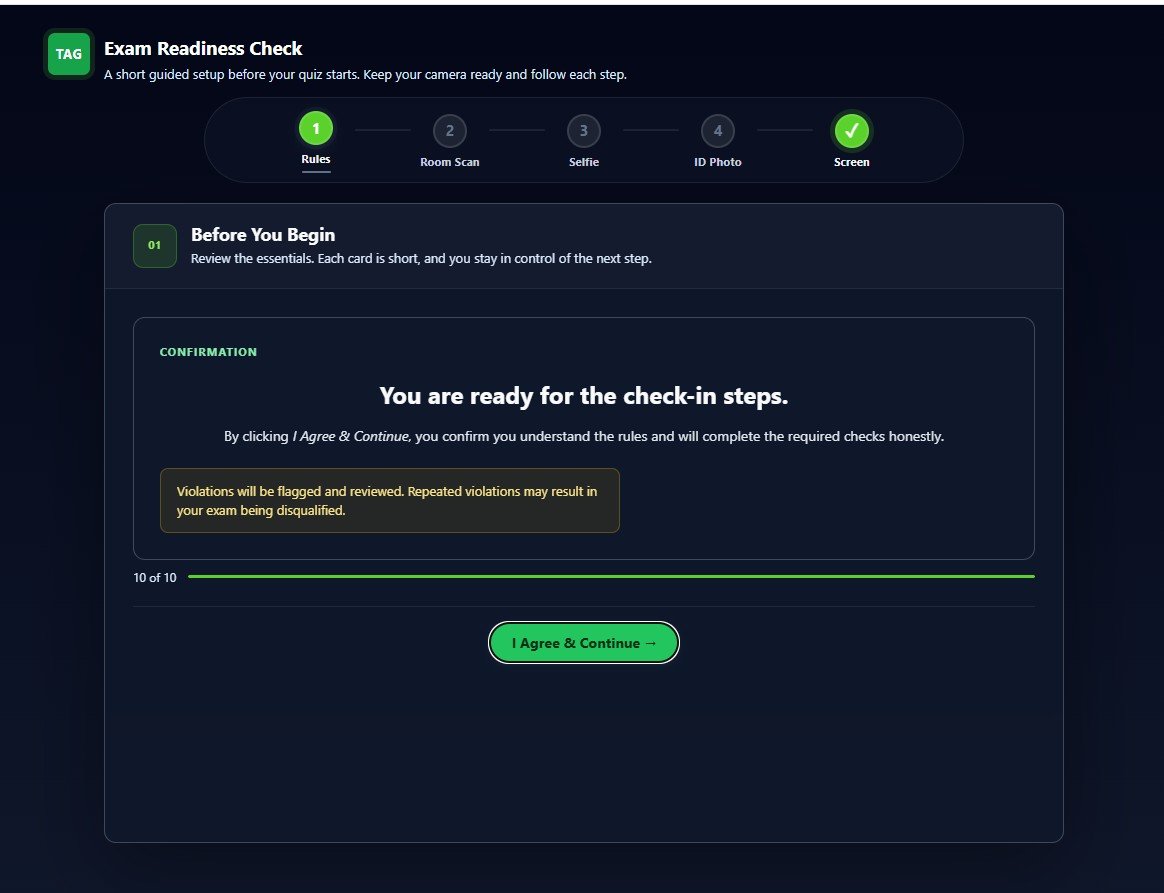
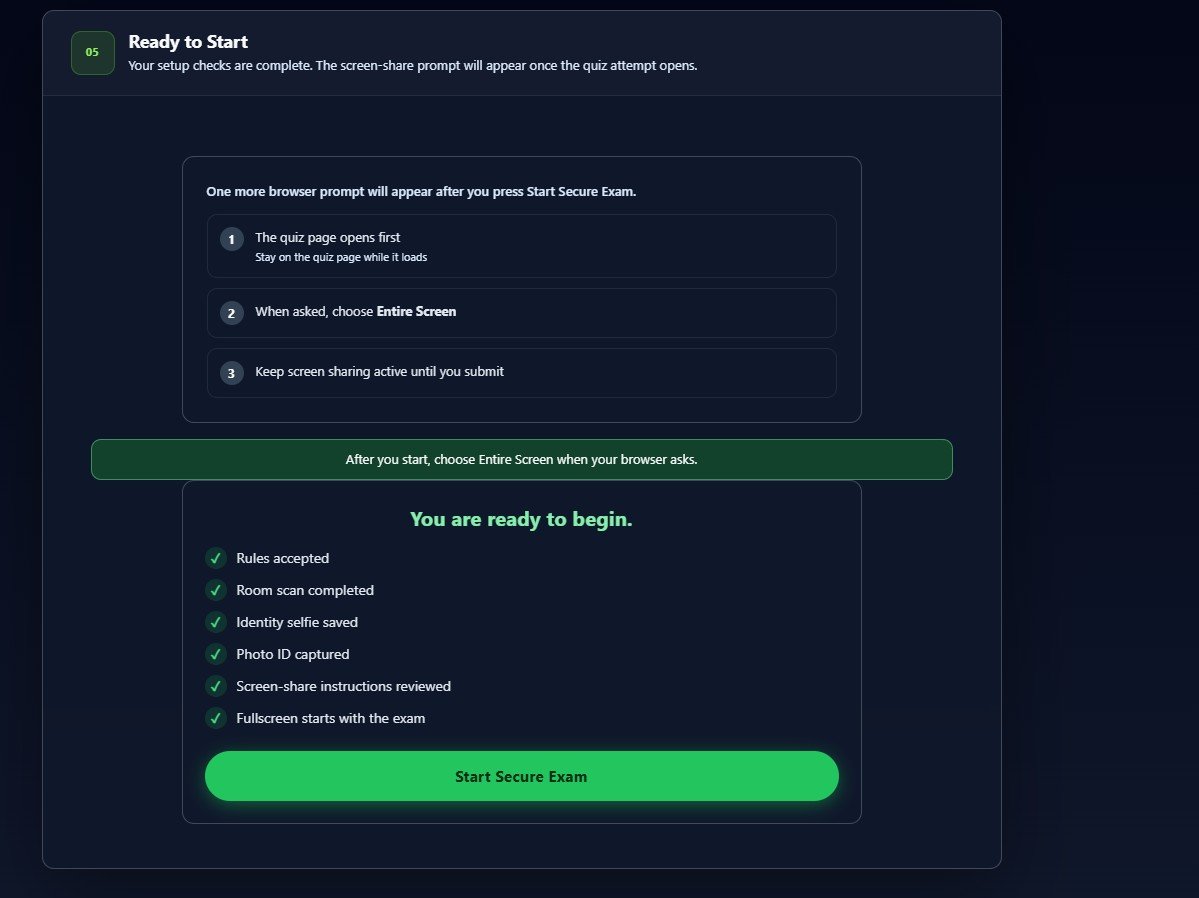
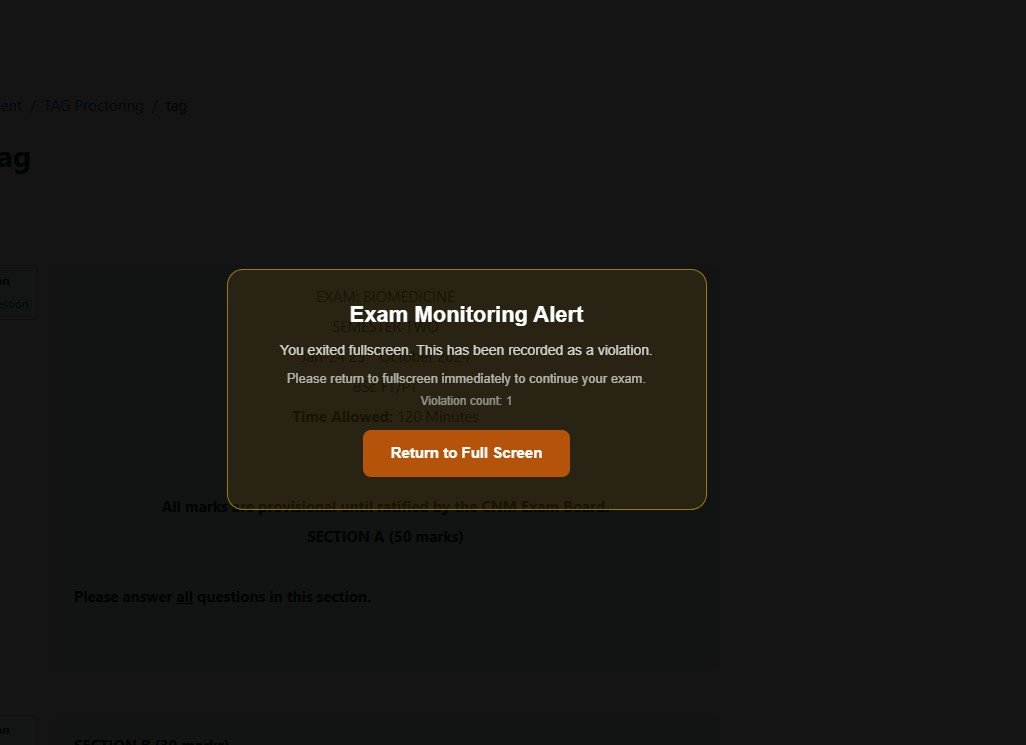
TAG Proctoring is a lightweight, native Moodle plugin that adds exam proctoring capabilities directly to any Moodle quiz. No third-party service subscription, no external data transfer — everything runs on your own Moodle server.
Before the exam starts, students complete a guided pre-exam wizard: a 360° room scan via webcam, an identity selfie, and a photo ID capture. During the exam, periodic webcam and screen-share screenshots are taken at configurable intervals, and students are required to share their screen at the start of the quiz.
The plugin monitors for suspicious browser events throughout the attempt — tab switches, copy/paste, DevTools access, fullscreen exit, window blur, and multiple screens — each timestamped and contributing to a cumulative risk score. AI-assisted object detection runs during the room scan, flagging mobile phones, books, extra people, laptops, and other configurable items. Face turn detection flags when students look away from the screen during the attempt.
After the attempt, instructors access a per-student report showing the event timeline, webcam and screen thumbnails, risk score, the student's selfie and ID photo for manual identity review, and room scan recording. A risk badge also appears in the Moodle gradebook column for at-a-glance monitoring. Manual override, grant rescan, and evidence deletion controls are available per student. CSV export and post-attempt email alerts are configurable. Automatic data retention cleanup and full Moodle Privacy API (GDPR) support are built in.
What's Included
Pre-exam wizard: room scan, selfie & ID capture
Before the exam opens, students complete a guided wizard: a 360° room scan via webcam, an identity selfie, and a photo ID capture. All three are stored with the session report so instructors can verify identity and room conditions before reviewing results.
Periodic webcam screenshots & screen sharing
Webcam screenshots are captured at configurable intervals throughout the exam (default every 30 seconds, up to a configurable maximum per attempt). Screen-share screenshots are also captured automatically. Students are required to share their screen at the start of the quiz — tab sharing is blocked, a full window or monitor must be shared. All data is stored securely on your own Moodle server — no third-party service required.
AI-assisted object & behaviour detection
During the room scan, the plugin analyses the webcam feed for suspicious items using AI object detection — mobile phones, books, extra people, laptops, and other configurable object types. Face turn detection also flags when students look away from the screen. Confidence thresholds and flagged object types are fully configurable by the administrator.
Suspicious event tracking
Throughout the exam, the plugin monitors for cheating-related browser events: tab switches, copy/paste attempts, DevTools access, fullscreen exit, window focus loss, and multiple connected screens. Each event is timestamped and contributes to the attempt risk score.
Risk scoring & post-attempt email alerts
Every attempt receives a cumulative risk score based on the weighted sum of flagged events. Administrators configure High and Medium score thresholds. When a completed attempt exceeds the high-risk threshold, an automatic email alert is sent to configured recipients.
Detailed admin reports per student and per exam
Every proctored attempt generates a full report showing the timeline of flagged events, webcam and screen-share thumbnails, risk score level (High / Needs Review / Valid), the student's selfie and ID photo for manual identity review by instructors, and the room scan recording. A risk badge appears directly in the Moodle gradebook column for at-a-glance oversight. Instructors can manually override the risk assessment, mark attempts as reviewed, grant a rescan, or delete evidence per student. Reports support CSV export.
System Requirements
Recent Updates
- Corrected upgrade script step ordering so database savepoints apply strictly in sequence. Ensured the GPL licence file is included in every plugin package. Added missing language strings used on the evidence/screenshots page. Moved remaining hard-coded interface text (report header, room scan / selfie / ID photo upload messages) into the translatable string API.
- Initial public release on the Moodle Plugin Directory. Pre-exam wizard with 360° room scan, identity selfie, and photo ID capture. AI-assisted object detection for suspicious items (phones, books, extra people, laptops, configurable object types). Face turn detection. Periodic webcam screenshots during the exam. Screen sharing at exam start. Suspicious event tracking (tab switches, copy/paste, DevTools, fullscreen exit, window blur, multiple screens). Risk scoring system with configurable High/Medium/Low thresholds. Post-attempt email alerts to configured recipients. Instructor report with event timeline, thumbnails, manual override, and CSV export. Data retention with automated scheduled cleanup. Full Moodle Privacy API (GDPR) implementation with data export and deletion support. Licence key activation via tandreig.com. Granular capabilities for role control: viewing reports, managing evidence, and bypassing proctoring can each be assigned separately. Manual identity verification controls in the instructor report (Mark Verified / Mark Failed).
- Report layout refined: identity verification controls sit in a dedicated row and session details are easier to scan. Added a database index for scan records that speeds up the scheduled retention cleanup on large sites. Privacy API now explicitly declares all external endpoints (licence activation and browser-side AI model downloads).
- PHPCS: 0 errors, 0 warnings across all plugin files. Mustache CI: example context and HTML validation resolved in report.mustache. PSR12: blank line after class opening brace in send_attempt_alert.php removed. Missing lang string wizard_id_checklist_title added. Lang file rewritten with all 260+ strings in correct lexicographic order.
Frequently Asked Questions
Support
For support, visit tandreig.com/plugins/support or use the contact form on this site.
Ready to Deploy Proctoring System for Moodle™?
Install it on your Moodle site in minutes. Need customisation or a bespoke plugin? Get in touch.
The word Moodle and associated Moodle logos are trademarks or registered trademarks of Moodle Pty Ltd or its related affiliates.